
Easel supports dividing a single project up into multiple workpieces. This allows you to plan out a multi-part project within one Easel file, instead of having the project workpieces split into multiple Easel projects.
By saving each phase of your project in a separate workpiece, there's no need to jump between multiple Easel projects. The pop-up menu at the bottom of Easel allows you to quickly and easily maneuver between all the different workpieces for your project.
Viewing the workpieces together helps you maintain cohesion and consistency for different elements in complex projects.

Each workpiece gets its own canvas for design elements, as well as its own bit, material, and cut settings.
Each workpiece gets its own canvas for design elements, as well as its own bit, material, and cut settings.
You can “duplicate” an existing workpiece, including its design elements and settings, from the workpiece context menu.
You can also use the context menu to delete a workpiece, or to rename a workpiece.
Names can make it easier to tell workpieces apart, for you or those you share your project with.

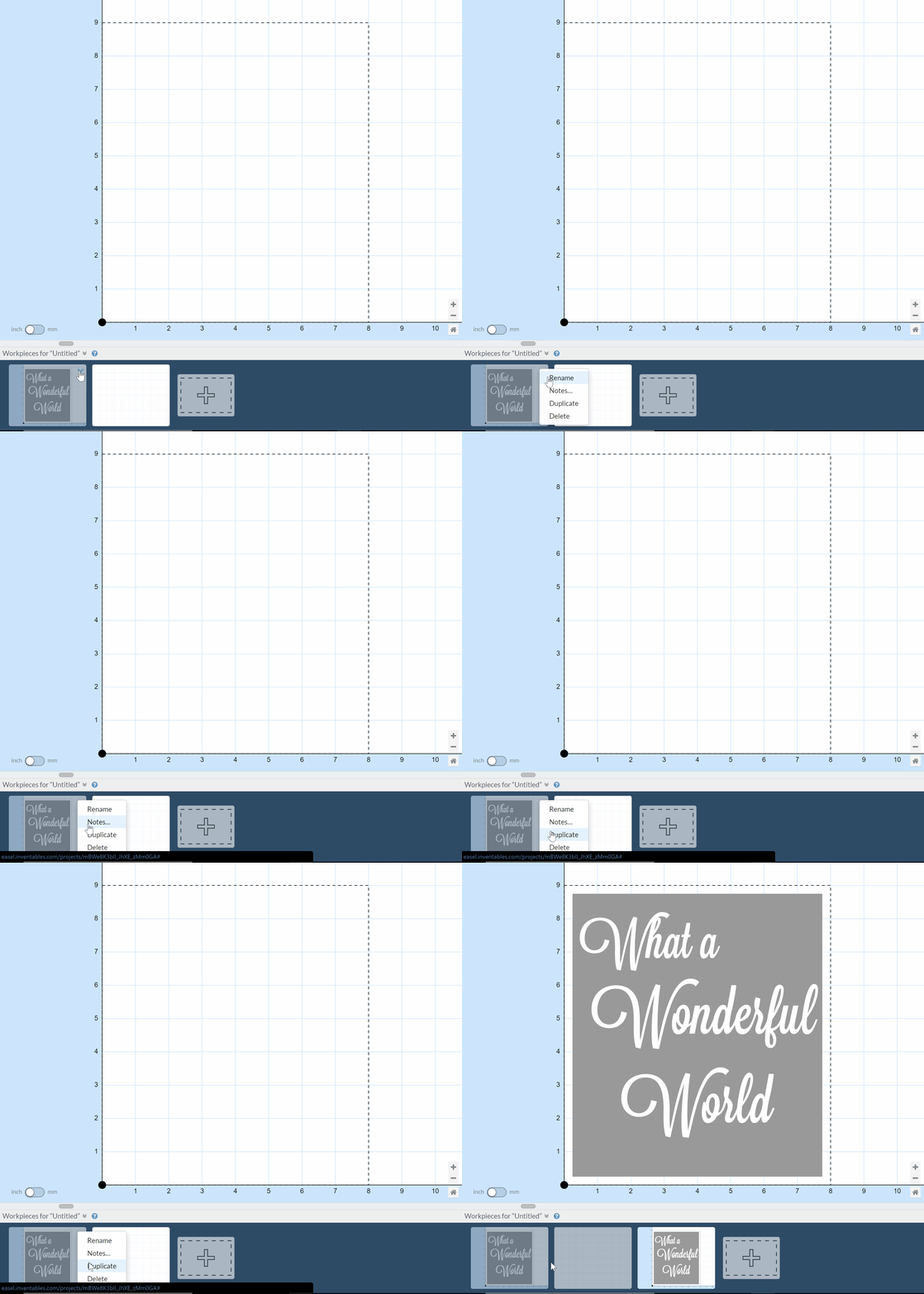
You can also click and drag on a workpiece to rearrange its order in the pop-up menu. This can be great for organizing similar projects or moving the current iteration to the front.
Easel's design editor now shows your workpiece's name and any notes you've entered, and lets you edit the name and notes right there without leaving the design:

Notes are a great way to leave reminders for yourself about how to carve, assemble, or finish your project, or to give tips or instructions for other Easel users when you share a project or publish to the Easel Gallery.